

In today’s multi-user applications, ensuring that each user has the right level of access is critical. Role-Based Access Control (RBAC) is a proven method to manage user permissions efficiently and securely. While SQLite is often seen as a lightweight database for local storage, it can be configured to enforce RBAC effectively in multi-user setups, particularly when combined with application logic and cloud synchronization.
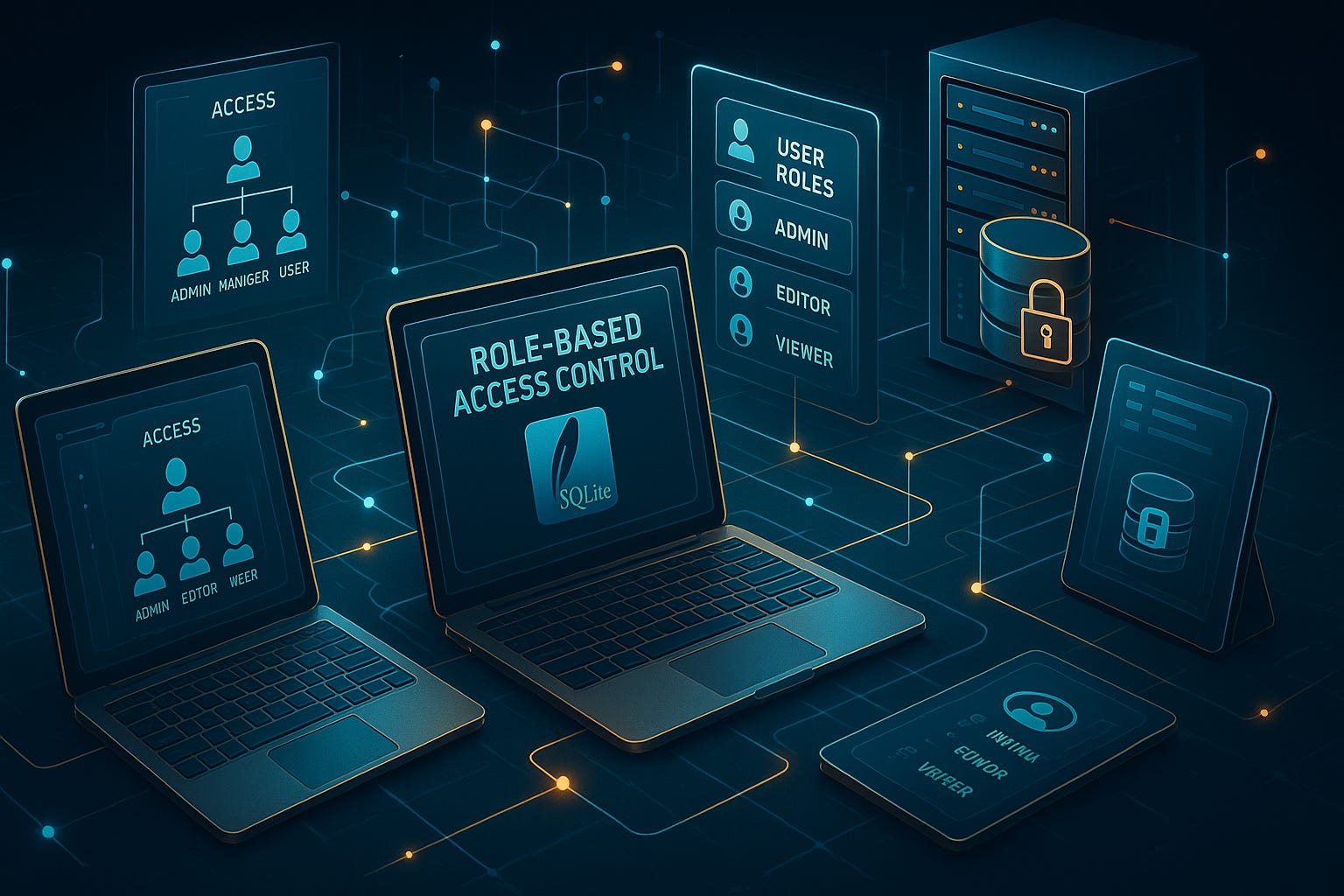
In this guide, we’ll walk through practical steps to implement RBAC in SQLite, complete with real-world examples and code snippets that you can apply to your own projects. For more on SQLite fundamentals, check out Mastering SQLite: A Beginner's Guide.
1. Understanding Role-Based Access Control in SQLite
RBAC works by defining roles (e.g., Admin, Editor, Viewer) and associating specific permissions with each role. Users are then assigned roles based on their responsibilities, limiting what they can do in the application.
Example Schema for Roles and Permissions:
CREATE TABLE roles (
    id INTEGER PRIMARY KEY AUTOINCREMENT,
    role_name TEXT NOT NULL UNIQUE
);

CREATE TABLE permissions (
    id INTEGER PRIMARY KEY AUTOINCREMENT,
    permission_name TEXT NOT NULL UNIQUE
);

CREATE TABLE role_permissions (
    role_id INTEGER,
    permission_id INTEGER,
    FOREIGN KEY(role_id) REFERENCES roles(id),
    FOREIGN KEY(permission_id) REFERENCES permissions(id)
);

CREATE TABLE users (
    id INTEGER PRIMARY KEY AUTOINCREMENT,
    username TEXT NOT NULL UNIQUE,
    role_id INTEGER,
    FOREIGN KEY(role_id) REFERENCES roles(id)
);
With this setup, each user is assigned a role, and roles are associated with specific permissions. To explore more advanced RBAC techniques, see our detailed guide on Mastering Role-Based Access Control.
2. Assigning Roles and Permissions
Once the schema is ready, you can populate it with initial roles and permissions.
-- Adding roles
INSERT INTO roles (role_name) VALUES ('Admin'), ('Editor'), ('Viewer');

-- Adding permissions
INSERT INTO permissions (permission_name) VALUES ('create_post'), ('edit_post'), ('delete_post'), ('view_post');

-- Linking roles with permissions
INSERT INTO role_permissions (role_id, permission_id)
SELECT r.id, p.id
FROM roles r, permissions p
WHERE r.role_name = 'Admin';

INSERT INTO role_permissions (role_id, permission_id)
SELECT r.id, p.id
FROM roles r, permissions p
WHERE r.role_name = 'Editor' AND p.permission_name IN ('create_post', 'edit_post', 'view_post');

INSERT INTO role_permissions (role_id, permission_id)
SELECT r.id, p.id
FROM roles r, permissions p
WHERE r.role_name = 'Viewer' AND p.permission_name = 'view_post';
This ensures that Admins have full access, Editors have limited write permissions, and Viewers can only read content. You can see how RBAC integrates with other SQLite features in Optimizing SQLite Performance.
3. Enforcing Access in Your Application
SQLite itself does not have native user authentication, so your application layer must enforce access. Here’s an example in Python using SQLite:
import sqlite3

def has_permission(user_id, permission):
    conn = sqlite3.connect('app.db')
    cursor = conn.cursor()
    cursor.execute('''
        SELECT COUNT(*)
        FROM users u
        JOIN role_permissions rp ON u.role_id = rp.role_id
        JOIN permissions p ON rp.permission_id = p.id
        WHERE u.id = ? AND p.permission_name = ?
    ''', (user_id, permission))
    return cursor.fetchone()[0] > 0

# Example usage
if has_permission(3, 'edit_post'):
    print("Permission granted: You can edit posts.")
else:
    print("Permission denied.")
With this approach, you can check permissions dynamically and ensure that users only perform actions they are authorized to do.
4. Handling Advanced Scenarios
Dynamic Role Changes
Users’ roles may change over time. To handle this safely:
UPDATE users
SET role_id = (SELECT id FROM roles WHERE role_name = 'Editor')
WHERE username = 'john_doe';
Auditing Actions
Track critical operations for security and accountability:
CREATE TABLE audit_log (
    id INTEGER PRIMARY KEY AUTOINCREMENT,
    user_id INTEGER,
    action TEXT,
    timestamp DATETIME DEFAULT CURRENT_TIMESTAMP
);
Log every key operation, like role changes, edits, and deletions.
5. Best Practices for Secure RBAC Implementation
Keep roles simple: Avoid creating too many roles; maintain clarity.
Use least privilege: Give users only the permissions they need.
Audit regularly: Periodically review roles and permissions to prevent privilege creep.
Integrate authentication: Pair RBAC with secure login mechanisms to prevent unauthorized access.
Back up your database: Always maintain backups to restore roles and permissions in case of corruption or accidental deletion.
Conclusion
Implementing RBAC in SQLite adds a robust security layer for multi-user applications. By combining role and permission management with application-level enforcement, you can maintain data integrity and ensure that users only access what they are authorized to.
Whether you’re building a collaborative web app, a desktop tool, or a mobile solution, these practices will help you secure your application while maintaining flexibility and scalability.
Start by defining clear roles and permissions, enforce them at the application level, and gradually adopt advanced features like auditing and dynamic role changes. SQLite’s simplicity makes RBAC straightforward, while your careful design ensures your app remains secure as it grows.
Stay Ahead with SQLite Insights!
Don’t miss out on the latest tips, tutorials, and best practices for mastering SQLite. Subscribe now and get expert guidance delivered straight to your inbox!