

Smart homes today are powered by hundreds of connected devices, from thermostats that learn your preferences, to lights that react to motion. Behind the scenes, these devices collect and process massive amounts of data, often in real time. But what happens when the internet connection drops? How do we make sure the data stays safe, synchronized, and useful?
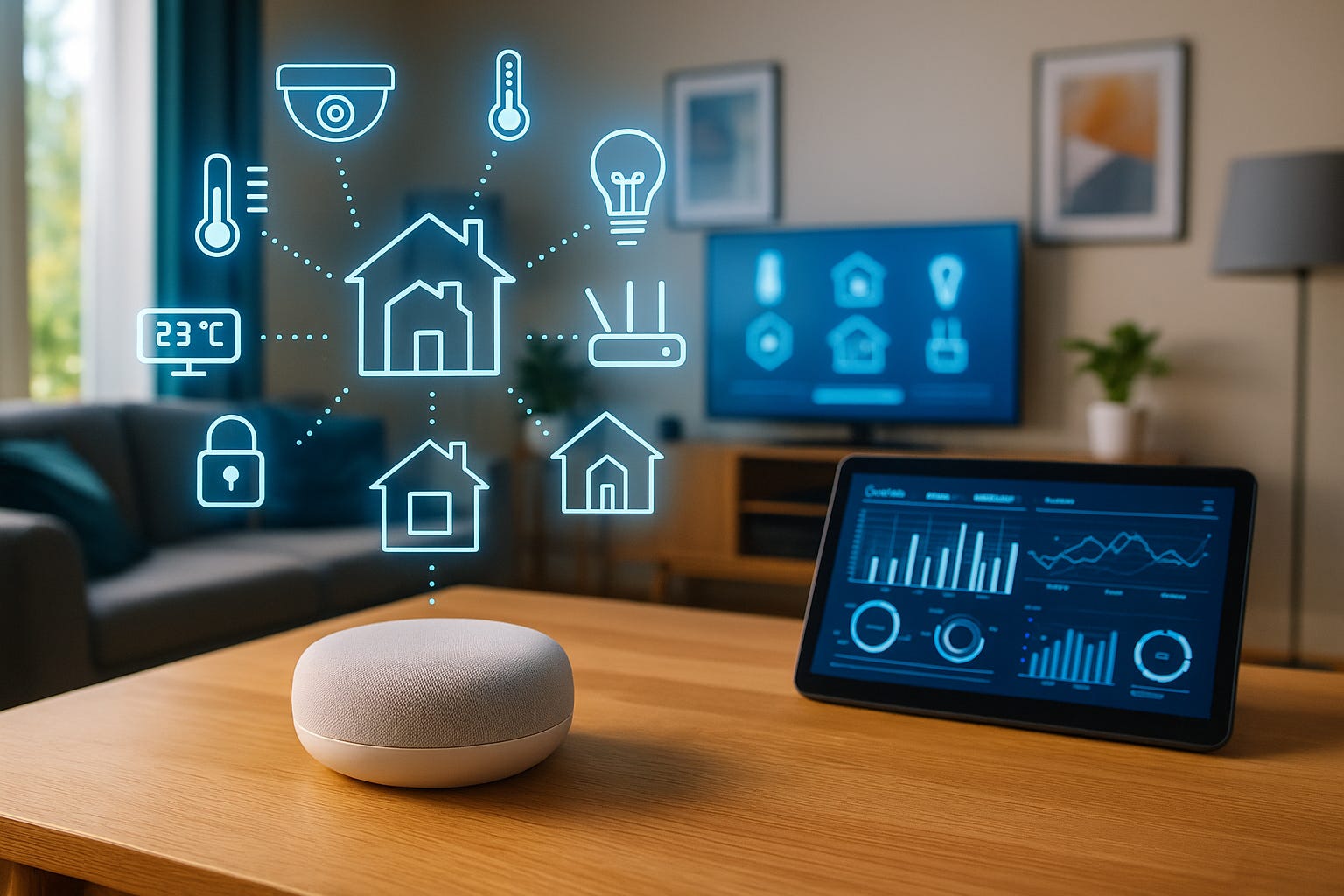
That’s where SQLite comes in. Lightweight, fast, and reliable, SQLite is the perfect database engine for edge devices (small systems like Raspberry Pi or ESP32 microcontrollers that collect, process, and store data locally before syncing with the cloud.)
In this blog, we’ll explore how to scale SQLite on edge devices for efficient IoT data collection and processing. You’ll see how to design smart home database architectures, handle real-time sensor data, and sync everything seamlessly to the cloud.
If you’re new to syncing data between local and cloud databases, check out our post on Building Scalable Mobile Apps with SQLite and Cloud Sync for a great foundation.
What Are Edge Devices and Why SQLite Fits Perfectly
Edge devices sit close to where data is generated. Think of your smart thermostat, door sensors, or air-quality monitors. Instead of sending every piece of data to the cloud instantly, they store and process it locally, making apps faster and more reliable even without internet access.
SQLite is ideal for edge computing because:
It’s serverless - No external setup or dependencies.
It’s lightweight - Uses minimal memory and CPU.
It’s transaction-safe - Prevents data loss during failures.
It supports atomic operations, ensuring reliable data integrity.
Embedded SQLite Example (C-like pseudocode):
// Store temperature data from a sensor
sqlite3_open(”smarthome.db”, &db);
sqlite3_exec(db, “CREATE TABLE IF NOT EXISTS temperature (timestamp TEXT, value REAL)”, 0, 0, 0);

// Insert sensor reading
char *query = “INSERT INTO temperature (timestamp, value) VALUES (datetime(’now’), 24.7)”;
sqlite3_exec(db, query, 0, 0, 0);

sqlite3_close(db);
Here, the device records sensor readings directly into a local SQLite database - No internet required.
Designing an Edge Data Architecture for Smart Homes
An efficient IoT architecture combines local edge processing with central cloud storage. Each device logs data in SQLite, processes it locally, and periodically syncs the results to a cloud server when a network is available.
Architecture Layers:
Sensors → capture real-time data (temperature, humidity, motion).
Edge Device (SQLite) → stores, filters, and aggregates readings.
Cloud Database → receives synced data for analytics and reporting.
Here’s a simple Python example for the data collection layer:
import sqlite3, random, time

conn = sqlite3.connect(”smarthome_edge.db”)
conn.execute(’‘’CREATE TABLE IF NOT EXISTS sensor_data
                (id INTEGER PRIMARY KEY AUTOINCREMENT,
                 sensor_type TEXT,
                 value REAL,
                 timestamp DATETIME DEFAULT CURRENT_TIMESTAMP)’‘’)

while True:
    temp = random.uniform(18.0, 26.0)
    conn.execute(”INSERT INTO sensor_data (sensor_type, value) VALUES (?, ?)”, (’temperature’, temp))
    conn.commit()
    print(”Stored reading:”, temp)
    time.sleep(5)
This script stores readings locally every few seconds, and so is a perfect setup for disconnected environments.
If you want to dive deeper into ensuring local data accuracy, refer to Ensuring Data Integrity in SQLite Across Devices.
Collecting and Processing IoT Sensor Data
Once you have continuous data flow, the next challenge is processing it efficiently. You don’t want to overload your device with raw readings. Instead, aggregate or compress data locally.
Example: Aggregating Sensor Data
# Aggregate hourly average temperature
conn.execute(’‘’
INSERT INTO hourly_avg (hour, avg_temp)
SELECT strftime(’%Y-%m-%d %H:00:00’, timestamp), AVG(value)
FROM sensor_data
GROUP BY strftime(’%Y-%m-%d %H’, timestamp)
‘’‘)
conn.commit()
This helps reduce cloud sync size and speeds up analytics later.
Syncing Edge Data with the Cloud
Once the device reconnects to Wi-Fi, it can push summarized or raw data to a remote cloud database.
Example Cloud Sync (Python)
import requests

def sync_to_cloud():
    cursor = conn.execute(”SELECT * FROM hourly_avg WHERE synced IS NULL”)
    data = [dict(zip([col[0] for col in cursor.description], row)) for row in cursor.fetchall()]

    response = requests.post(”https://cloudapi.example.com/upload”, json=data)
    if response.status_code == 200:
        conn.execute(”UPDATE hourly_avg SET synced = 1 WHERE synced IS NULL”)
        conn.commit()
This ensures reliable, batched data uploads even if the device was offline for hours.
Handling Offline Mode and Data Recovery
IoT devices often experience power cuts, connectivity drops, or firmware restarts. SQLite’s transactional integrity helps here. Every commit ensures that data remains safe, even if the device loses power mid-write.
To handle sync conflicts:
Keep a sync flag column (e.g.,
synced INTEGER DEFAULT 0).Use timestamps to track last updates.
Merge changes using the most recent timestamp when syncing.
Conflict Resolution Example (Python)
# Resolve conflicting entries by keeping latest timestamp
conn.execute(’‘’
INSERT INTO cloud_sync (id, sensor_type, value, timestamp)
SELECT id, sensor_type, value, MAX(timestamp)
FROM sensor_data
GROUP BY id
‘’‘)
conn.commit()
For additional guidance on managing migrations and syncing cloud data, check Best Practices for SQLite Data Migration to Cloud.
Optimizing SQLite for Edge Performance
To ensure edge databases stay efficient and fast:
Use WAL Mode for concurrency
PRAGMA journal_mode = WAL;Allows multiple readers during writes. Perfect for real-time logging.
Run periodic VACUUM operations
VACUUM;Reclaims unused space and keeps database size compact.
Use indexes carefully
CREATE INDEX idx_sensor_type ON sensor_data(sensor_type);Speeds up lookups but avoid over-indexing small tables.
Compress old data
Archive data monthly into separate SQLite files to save disk space.
Real-World Example: Smart Home Monitoring
Imagine a smart home where every room has sensors for temperature, humidity, and motion. Each device logs readings locally using SQLite. When Wi-Fi is back, the edge device syncs hourly summaries to the cloud. The central dashboard aggregates and visualizes these insights. Energy efficiency, comfort trends, and motion-based automation triggers, all powered by SQLite.
This hybrid local-cloud setup provides reliability even when the internet fails, while still enabling big-picture analytics once connectivity resumes.
Conclusion
SQLite isn’t just a database for small projects. It’s a powerful engine for distributed IoT ecosystems. By combining local reliability with cloud synchronization, you can create robust, fault-tolerant smart home systems that scale across thousands of devices.
When optimized for edge use cases, SQLite delivers performance, durability, and simplicity - everything modern IoT applications demand.
Subscribe Now
Stay ahead with practical SQLite tutorials, edge computing insights, and real-world IoT project examples. Join the SQLite Forum and be part of a growing global community of developers building smarter, faster applications.