

As applications grow, their data needs evolve too. What worked for your SQLite database in version 1.0 might not work as your app reaches version 2.0 - or 5.0. Handling schema changes, migrating data, and keeping everything consistent in a live environment can feel daunting.
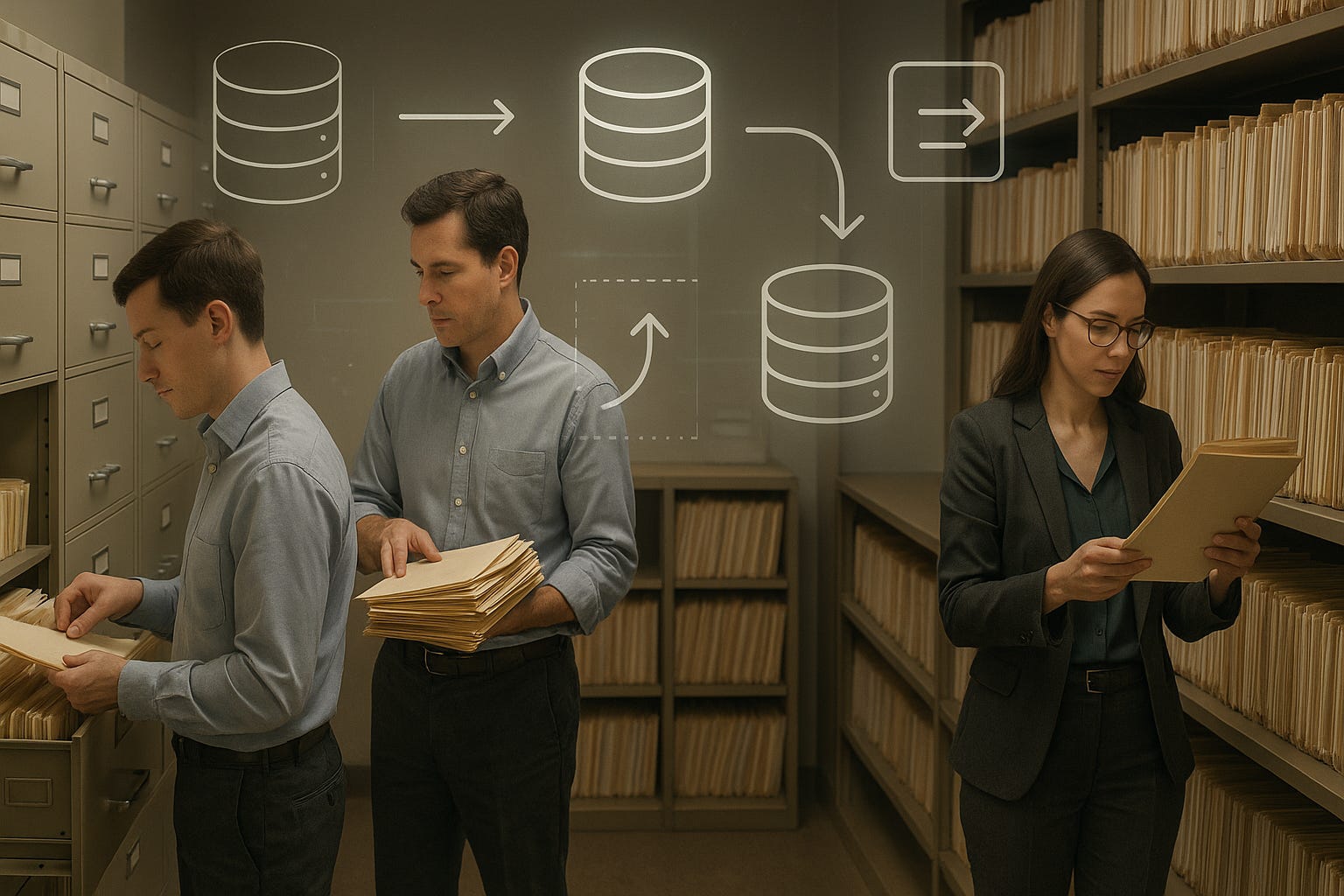
In this blog, we’ll explore practical strategies to manage SQLite versioning and migrations, keeping your applications robust, scalable, and ready for change.
If you’re looking to level up your database skills, check out our previous post on Handling Concurrency in SQLite for insights on managing multiple users simultaneously.
Understanding Versioning in SQLite
Versioning is essentially keeping track of changes to your database schema over time. Each version reflects the structure of your tables, indexes, triggers, and constraints at a given point. Maintaining clear versioning ensures you can:
Roll back to previous schema versions if something breaks.
Apply incremental migrations without affecting live users.
Track changes across development, staging, and production environments.
SQLite itself supports a simple user_version integer that can be set and retrieved with:
PRAGMA user_version;
PRAGMA user_version = 2;
This allows your application to detect the current database version and decide which migration scripts to run.
Common Scenarios Requiring Migrations
Applications often evolve in ways that require database schema changes:
Adding new features – New tables or columns might be necessary for new functionality.
Optimizing performance – Adding indexes, constraints, or changing data types.
Bug fixes – Correcting previous schema design mistakes.
Merging datasets – Combining data from multiple sources may require restructuring tables.
For example, imagine an e-commerce app that initially stored order items in a single table. As reporting and analytics grow more complex, splitting the table into orders and order_items becomes necessary. Without careful migration planning, this change could corrupt live data.
Designing a Migration Strategy
Effective migration involves careful planning. Here’s a step-by-step approach:
1. Use Incremental Migrations
Rather than making massive changes in one step, break migrations into smaller, manageable scripts. Each migration script should:
Perform one logical change (add column, create table, etc.).
Include safety checks to ensure it’s not applied multiple times.
Be reversible if needed.
Example:
-- Migration 2025_10_add_customer_email.sql
PRAGMA foreign_keys=off;

ALTER TABLE customers ADD COLUMN email TEXT;

PRAGMA foreign_keys=on;
This script can be safely run against databases that haven’t yet added the email column.
2. Track Migration History
Store a table that tracks which migrations have been applied:
CREATE TABLE IF NOT EXISTS migrations (
    id INTEGER PRIMARY KEY AUTOINCREMENT,
    name TEXT NOT NULL,
    applied_at TIMESTAMP DEFAULT CURRENT_TIMESTAMP
);
When a migration runs successfully, insert a record:
INSERT INTO migrations (name) VALUES (’2025_10_add_customer_email’);
This ensures your migration engine knows which scripts have already been executed.
3. Handle Data Transformations
Schema changes often require moving or transforming data. For instance, splitting full_name into first_name and last_name:
ALTER TABLE users RENAME TO users_old;

CREATE TABLE users (
    id INTEGER PRIMARY KEY,
    first_name TEXT,
    last_name TEXT,
    email TEXT
);

INSERT INTO users (id, first_name, last_name, email)
SELECT id,
       substr(full_name, 1, instr(full_name, ‘ ‘) - 1),
       substr(full_name, instr(full_name, ‘ ‘) + 1),
       email
FROM users_old;

DROP TABLE users_old;
This approach preserves existing data while adapting the schema.
4. Version Detection in Code
Your application should detect the database version at startup and apply pending migrations automatically. For example:
import sqlite3

conn = sqlite3.connect(’app.db’)
cursor = conn.cursor()

# Detect current version
cursor.execute(”PRAGMA user_version”)
current_version = cursor.fetchone()[0]

# Apply migrations sequentially
if current_version < 1:
    cursor.execute(”ALTER TABLE customers ADD COLUMN email TEXT”)
    cursor.execute(”PRAGMA user_version = 1”)

if current_version < 2:
    cursor.execute(”CREATE INDEX idx_customer_email ON customers(email)”)
    cursor.execute(”PRAGMA user_version = 2”)

conn.commit()
conn.close()
This ensures all databases stay synchronized, even if some users have older versions.
Handling Live Data
Migrating a database with live users adds complexity. Here are best practices:
Backup First – Always create a backup before running migrations.
Test in Staging – Run migrations in a staging environment identical to production.
Use Transactions – Wrap migrations in transactions when possible.
BEGIN TRANSACTION;

ALTER TABLE orders ADD COLUMN status TEXT;
CREATE INDEX idx_orders_status ON orders(status);

COMMIT;
Avoid Downtime – For high-traffic apps, consider online migration tools or performing migrations during low-traffic periods.
For real-world concurrency handling, see our post on Advanced SQLite Transactions.
Rolling Back Migrations
Not all migrations go smoothly. Plan for rollbacks:
BEGIN TRANSACTION;

-- Apply changes
ALTER TABLE customers ADD COLUMN phone TEXT;

-- If error occurs
ROLLBACK;

-- Otherwise
COMMIT;
Rollback strategies may also involve maintaining historical tables or using temporary staging tables to prevent data loss.
Automating Migrations
Automation reduces human error. Consider:
Migration scripts as code – Keep migration SQL scripts in version control.
CI/CD Integration – Run migrations automatically as part of deployment pipelines.
Idempotent scripts – Design scripts to safely re-run without causing duplicate changes or errors.
Example of an idempotent migration:
-- Only add the column if it does not exist
PRAGMA table_info(customers);
-- Check if ‘phone’ column exists before adding
ALTER TABLE customers ADD COLUMN phone TEXT;
By integrating migrations into CI/CD pipelines, you ensure that every new release automatically applies necessary database changes, keeping all environments synchronized.
Best Practices for SQLite Versioning and Migrations
Plan Ahead
Understand the impact of schema changes before deploying. Document each migration and why it’s necessary.Keep Migrations Small and Focused
Each migration should perform one logical operation. This reduces risk and simplifies rollback if needed.Use Version Numbers Consistently
UpdatePRAGMA user_versionafter every migration. Maintain a clear mapping between your code version and database version.Test Thoroughly
Always test migrations in staging or development environments that mirror production. Include unit tests to validate schema changes.Backup Frequently
Always back up live databases before applying migrations. This protects against unexpected failures or corruption.Log Migrations
Maintain a migration history table to track applied changes. This ensures consistency across multiple environments and team members.Handle Large Data Sets Carefully
For databases with millions of rows, consider batching updates, adding indexes after bulk inserts, and minimizing downtime.Monitor Application Behavior
After migrations, monitor performance and query results to ensure nothing breaks. Automated tests, logging, and real-time alerts can help catch issues early.
Real-World Example: E-Commerce Platform Migration
Imagine an e-commerce platform that initially had a single orders table but now needs separate orders and order_items tables to support detailed reporting and analytics.
Step 1: Backup production database.
Step 2: Create new order_items table:
CREATE TABLE order_items (
    item_id INTEGER PRIMARY KEY,
    order_id INTEGER,
    product_id INTEGER,
    quantity INTEGER,
    price REAL,
    FOREIGN KEY (order_id) REFERENCES orders(order_id)
);
Step 3: Populate order_items from existing orders table:
INSERT INTO order_items (order_id, product_id, quantity, price)
SELECT order_id, product_id, quantity, price FROM orders;
Step 4: Remove redundant columns from orders table:
ALTER TABLE orders DROP COLUMN product_id;
ALTER TABLE orders DROP COLUMN quantity;
ALTER TABLE orders DROP COLUMN price;
Step 5: Update application code to reflect the new schema.
By following incremental migration steps and testing thoroughly, the database evolves without disrupting live users.
Tools and Libraries for SQLite Migrations
SQLite CLI – Native tool for executing migration scripts.
Python’s
sqlite3module – Programmatic migration for automation.EF Core Migrations – If using .NET applications, Entity Framework Core can manage SQLite migrations programmatically.
Custom Migration Engines – Build simple migration runners that check
user_versionand apply scripts sequentially.
Conclusion
Managing schema changes and migrations in SQLite is critical for evolving applications. By implementing incremental migrations, tracking version history, testing changes in staging environments, and automating the process through CI/CD pipelines, developers can maintain data integrity, prevent downtime, and scale applications safely.
Even though SQLite is lightweight and designed for simplicity, these versioning and migration strategies ensure that your applications can evolve without compromising performance or reliability.
For further reading on handling large datasets and concurrency in SQLite, refer to:
By following these best practices, you can confidently manage your SQLite databases, whether you’re scaling applications, implementing cloud sync, or handling real-time distributed systems.
Subscribe Now
Stay ahead in SQLite development! Subscribe to receive step-by-step guides, expert tips, and practical examples on managing SQLite databases, migrations, and performance optimization. Join our community at the SQLite Forum to connect with fellow developers, ask questions, and share experiences.