

In Part 1, we built the foundation of a mobile sync engine using SQLite.
In Part 2, we optimized synchronization by transferring only changed records.
In Part 3, we introduced conflict detection and conflict resolution to keep multiple devices consistent.
In Part 4, we automated synchronization using background workers, retry queues, and intelligent network management.
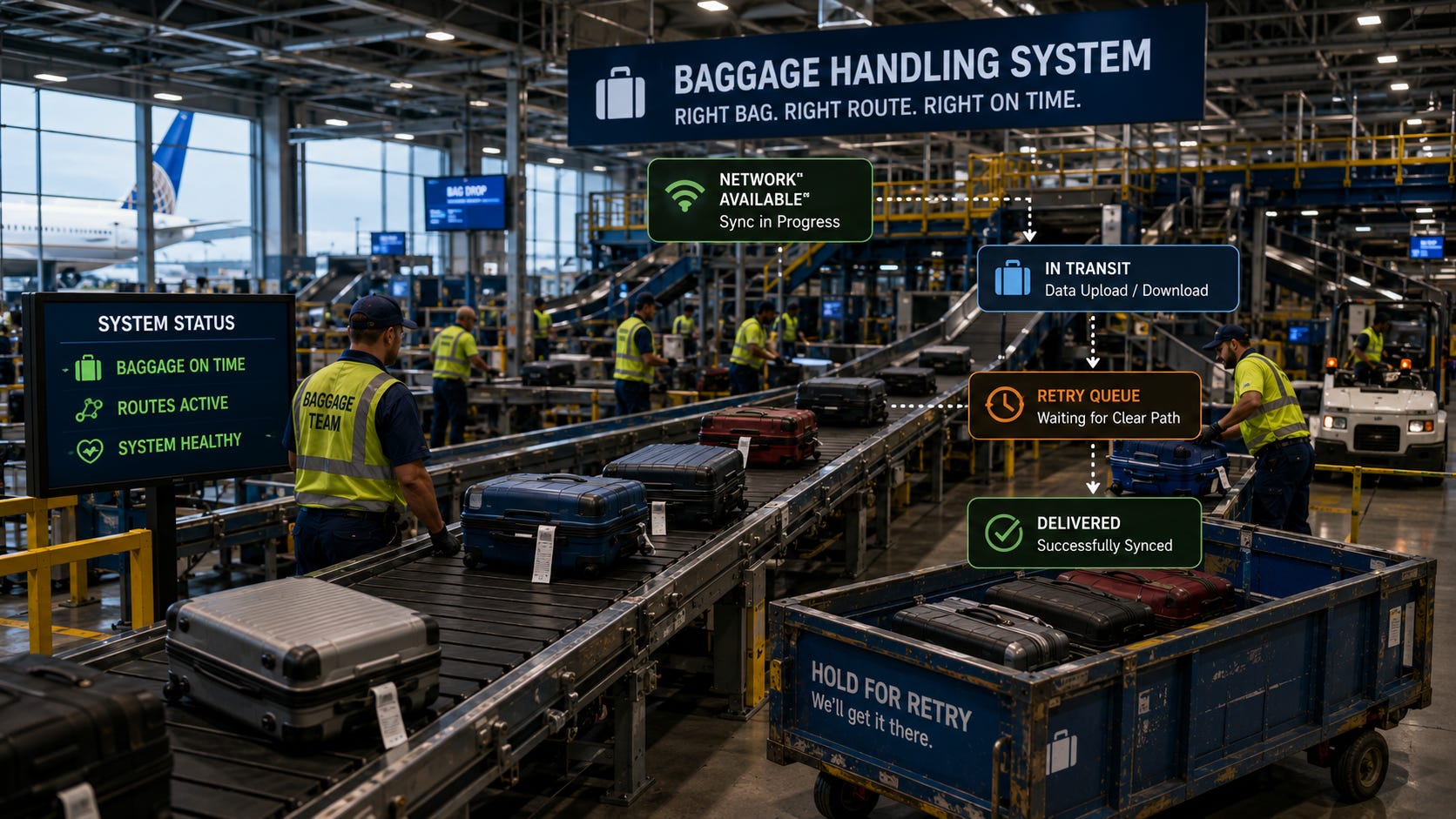
Our synchronization engine is now reliable.
But reliability alone isn’t enough.
Imagine building a banking application, a healthcare platform, or an enterprise inventory system.
Would you allow any device to upload data?
Would you send sensitive information without encryption?
Would you trust duplicate requests that might accidentally create duplicate orders or payments?
Of course not.
A production-ready synchronization system must be:
Secure
Scalable
Reliable
Observable
In this final part of the series, we’ll transform our SQLite sync engine into a production-ready architecture capable of supporting thousands of devices while protecting user data at every step.
Why Security Matters
Imagine two employees using the same field service application.
Each technician synchronizes customer information with the cloud.
If anyone could pretend to be either device, they could:
Upload fake records
Download private customer information
Modify work orders
Delete important data
The synchronization service must always know:
Who is connecting
Which device is connecting
Whether the request can be trusted
Security starts before the first record is synchronized.
Authenticating Devices
Every device should have its own identity.
Instead of allowing anonymous synchronization, each device registers with the server.
Example:
Phone
Device ID:
A9F2-13BC

Tablet
Device ID:
D72E-91KA
When synchronization begins:
Device
      ↓
Authentication
      ↓
Synchronization Allowed
Unknown devices should never be permitted to synchronize.
User Authentication
The server should also verify the user.
Most modern applications use authentication tokens.
Typical flow:
User Signs In
        ↓
Server Issues Token
        ↓
Device Stores Token
        ↓
Every Sync Request Includes Token
If the token expires:
Authentication FailedThe user signs in again before synchronization continues.
This prevents unauthorized access even if someone obtains a copy of the SQLite database.
Using HTTPS
Synchronization should never occur over an unencrypted connection.
Instead of:
HTTPproduction systems always use:
HTTPSHTTPS encrypts communication between the mobile application and the server.
Without encryption, attackers could potentially intercept:
Customer names
Addresses
Orders
Login credentials
Authentication tokens
Encryption ensures this information cannot be read while traveling across the network.
Protecting Local SQLite Data
The network is not the only place where security matters.
SQLite stores data locally on the device.
Depending on the application, that data may include:
Medical records
Financial information
Personal notes
Customer details
If the device is lost or stolen, the database file may become accessible.
Production applications should consider:
Database encryption
Device encryption
Secure storage for authentication tokens
Automatic logout after long periods of inactivity
Security should protect both stored data and transmitted data.
Preventing Duplicate Requests
Mobile networks are unpredictable.
Suppose the application uploads a record.
The server processes it successfully.
Unfortunately, the response never reaches the phone because the connection drops.
The application believes the upload failed.
It retries.
Now the server receives the same request twice.
Without protection:
Invoice Created

Invoice Created Again
Duplicate requests can cause serious problems.
Understanding Idempotent APIs
A production synchronization API should be idempotent.
This means:
Processing the same request multiple times produces the same result.
Example:
Instead of creating two records:
Task 101

Task 101
the server recognizes the duplicate request and ignores the second one.
One simple approach is using unique request identifiers.
Example:
Request ID

93A7B11D
If the same request arrives again, the server knows it has already been processed.
Handling Thousands of Devices
Imagine your application becomes successful.
Instead of:
20 Devicesyou now have:
250,000 DevicesNot every device synchronizes at the same moment.
Some connect:
Every few minutes
Every hour
Once per day
The server should process synchronization efficiently without becoming overwhelmed.
Scaling Synchronization
Large systems often process synchronization in stages.
Example:
Incoming Requests
        ↓
API Server
        ↓
Processing Queue
        ↓
Database
Queues prevent traffic spikes from overwhelming the database.
They also improve reliability during busy periods.
Batch Processing
Instead of processing one record at a time:
100 Requeststhe server may process:
1 Request

Containing

100 Changes
Batch processing reduces:
Network overhead
Database transactions
API requests
Synchronization becomes faster for both the client and the server.
Monitoring Production Systems
Once the application is deployed, developers need visibility into synchronization health.
Useful metrics include:
Active devices
Successful synchronizations
Failed synchronizations
Average synchronization time
Queue length
Server response time
Without monitoring, problems may go unnoticed for days.
Logging Synchronization Events
Good logging helps developers diagnose issues quickly.
Example log:
09:15 Device Connected

09:15 Authentication Successful

09:15 Uploaded 12 Records

09:15 Downloaded 8 Records

09:15 Synchronization Completed
If something fails:
09:18 Authentication Failed

Reason:
Expired Token
Clear logs dramatically reduce troubleshooting time.
Detecting Unhealthy Devices
Sometimes a device silently stops synchronizing.
Perhaps:
The user disabled networking
Authentication expired
The application crashed
Storage became full
Monitoring systems should identify devices that have not synchronized for an unusually long time.
Example:
Last Sync

14 Days Ago
Administrators can then investigate before users notice missing data.
Designing a Production Synchronization Architecture
Our completed synchronization system now looks like this:
Mobile App
      ↓
SQLite Database
      ↓
Background Sync Service
      ↓
Authentication
      ↓
HTTPS API
      ↓
Synchronization Server
      ↓
Processing Queue
      ↓
Production Database
      ↓
Monitoring & Logging
Every component has a clear responsibility.
Together they create a reliable synchronization platform.
Common Production Challenges
Even mature synchronization systems face challenges.
Expired Authentication
Users remain offline for several weeks.
Their authentication token expires before the next synchronization.
The application must request a new token safely.
Device Replacement
A user purchases a new phone.
The synchronization service should restore all existing data securely.
High Server Load
Thousands of devices begin synchronizing after a software update.
Queue-based processing helps absorb these traffic spikes.
Network Interruptions
Synchronization should resume automatically after temporary failures.
SQLite ensures local changes remain safe until they are successfully uploaded.
Best Practices
When preparing a SQLite synchronization system for production:
Authenticate every device.
Authenticate every user.
Always use HTTPS.
Encrypt sensitive local data.
Store authentication tokens securely.
Design idempotent APIs.
Batch synchronization requests.
Monitor synchronization health continuously.
Keep detailed logs.
Test under realistic network conditions.
Following these practices greatly improves security, reliability, and scalability.
Putting Everything Together
Across this five-part series, we’ve built a complete mobile synchronization architecture.
We started with a simple SQLite database.
We then added:
Local change tracking
Incremental synchronization
Conflict resolution
Background synchronization
Production security
Scalability techniques
Monitoring
Logging
Each layer solved a different problem.
Together they create an architecture capable of supporting modern offline-first mobile applications.
Closing Thoughts
When we began this series, our goal was simple: build a mobile application that continues working whether the internet is available or not.
Along the way, we discovered that a reliable sync engine is much more than a few API calls. It requires careful thinking about local storage, incremental synchronization, conflict detection, background processing, security, scalability, and operational reliability.
SQLite proved to be much more than a lightweight embedded database. It became the foundation of an offline-first architecture capable of supporting real-world mobile applications used across industries.
The techniques we’ve explored throughout these five parts are the same principles used in note-taking apps, inventory systems, field service platforms, healthcare applications, and many other products that users rely on every day.
No two synchronization systems are identical, but they all solve the same fundamental challenge: allowing people to keep working wherever they are, while ensuring their data eventually becomes consistent across every device.
If you’ve followed this series from beginning to end, you now have a solid understanding of how to design, build, and reason about a production-ready mobile synchronization system powered by SQLite. More importantly, you have the knowledge to adapt these ideas to your own applications and solve problems that extend far beyond mobile synchronization.
Conclusion
Building a mobile synchronization engine is about much more than moving data between a device and a server.
A successful system must continue working without internet access, synchronize efficiently, recover from failures, protect sensitive information, and scale as the number of users grows.
SQLite provides an outstanding local storage engine for this purpose.
Combined with secure synchronization, intelligent conflict handling, background workers, and production monitoring, it becomes the foundation of applications that users trust every day.
Whether you’re building a note-taking app, an inventory management platform, a healthcare solution, or a field service application, the principles you’ve learned throughout this series can help you build synchronization systems that are reliable, secure, and ready for production.
Subscribe Now
If you want practical, real-world SQLite architecture tutorials, subscribe to SQLite Forum. Subscribe to receive new articles directly.